
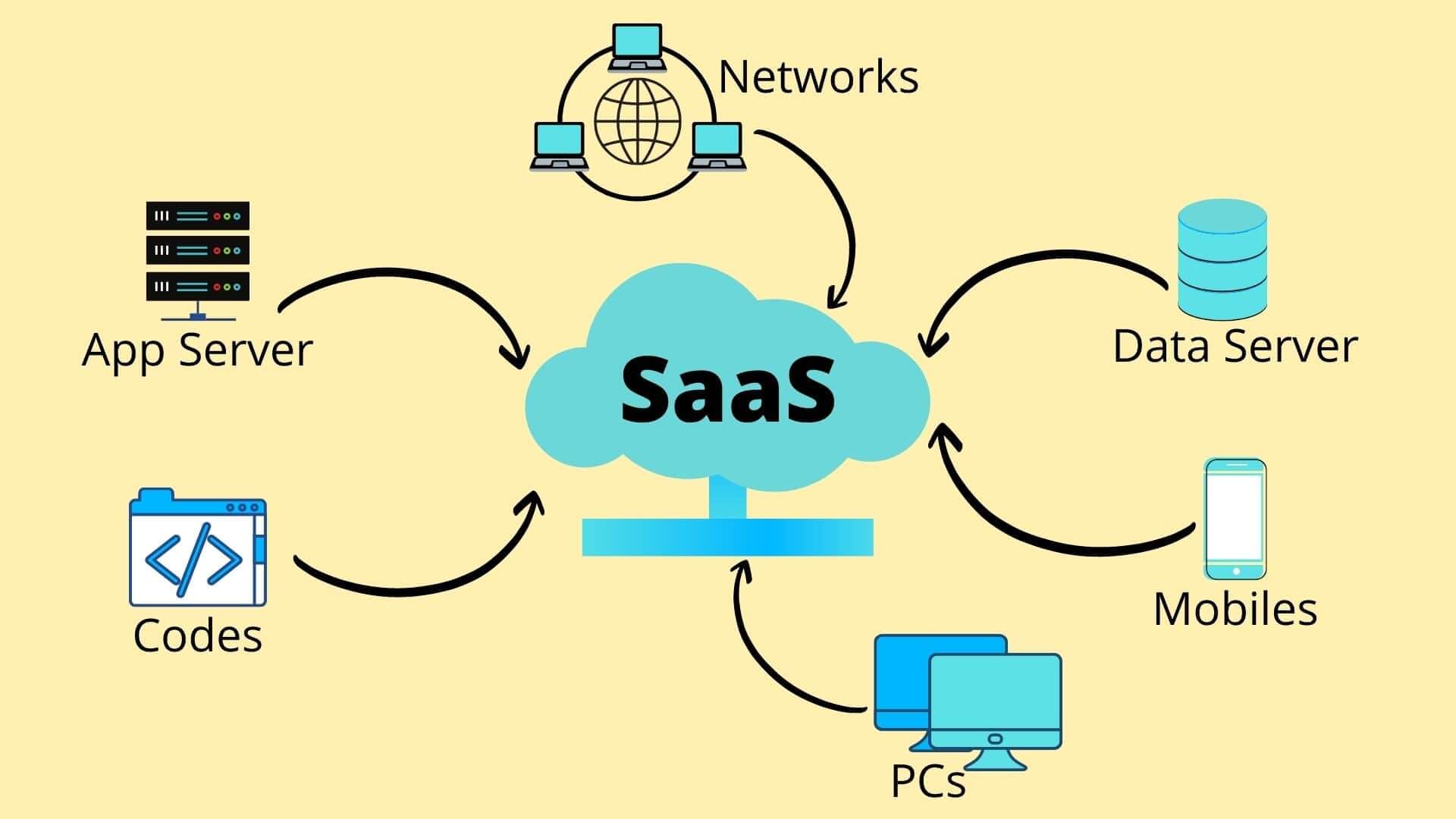
Building a SaaS-Based Blogging Platform with Golang and PostgreSQL
This is my first blog post — and I wanted to start by sharing something practical and exciting: building a small yet scalable SaaS (Software as a Service) application. The project is a blogging API-based application that forms the foundation of a larger SaaS product idea.
Tech Stack Overview
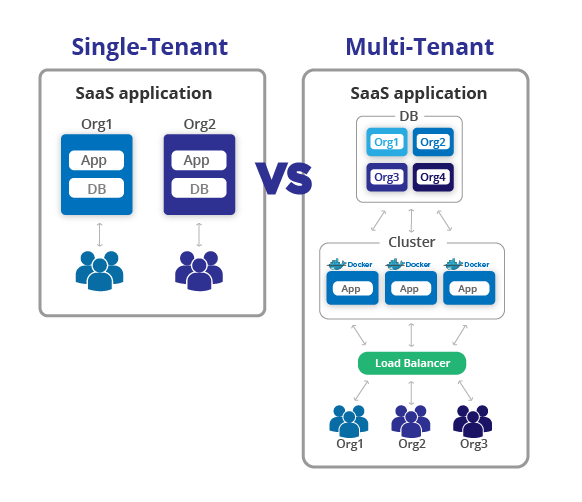
For this project, I chose Golang for the backend, paired with PostgreSQL as the database. Golang’s simplicity, performance, and concurrency model make it a perfect fit for scalable SaaS applications. PostgreSQL complements it with strong support for schemas — an essential part of the multi-tenancy design.
- Golang — For API development
- Gin — As the HTTP web framework
- GORM — As the ORM for PostgreSQL
- JWT — For user authentication
- Bcrypt — For password encryption
- PostgreSQL — For persistence and multi-schema setup
User Module
The user module provides basic authentication and management features:
- User Registration
- Login
- Get User (Self or by ID)
- List All Users
These endpoints handle core user management, secured via JWT tokens and password hashing using Bcrypt. Once logged in, users can perform CRUD operations on blog posts.
// Example: User registration handler
func RegisterUser(c *gin.Context) {
  var user models.User
  if err := c.ShouldBindJSON(&user); err != nil {
    c.JSON(http.StatusBadRequest, gin.H{"error": err.Error()})
    return
  }

  hashedPassword, _ := bcrypt.GenerateFromPassword([]byte(user.Password), bcrypt.DefaultCost)
  user.Password = string(hashedPassword)
  if err := config.DB.Create(&user).Error; err != nil {
    c.JSON(http.StatusInternalServerError, gin.H{"error": "Unable to create user"})
    return
  }

  c.JSON(http.StatusOK, gin.H{"message": "User created successfully"})
}
📝 Blog Module
The blog module forms the heart of this application, allowing authenticated users to:
- Create a blog post
- Update an existing blog
- Delete a blog post
- List all blog posts
// Example: Create blog post handler
func CreateBlog(c *gin.Context) {
  var blog models.Blog
  if err := c.ShouldBindJSON(&blog); err != nil {
    c.JSON(http.StatusBadRequest, gin.H{"error": err.Error()})
    return
  }

  blog.AuthorID = c.GetInt("user_id") // extracted from JWT
  if err := config.DB.Create(&blog).Error; err != nil {
    c.JSON(http.StatusInternalServerError, gin.H{"error": "Unable to create blog"})
    return
  }

  c.JSON(http.StatusOK, gin.H{"message": "Blog created successfully", "data": blog})
}
From App to SaaS — Implementing Multi-Tenancy
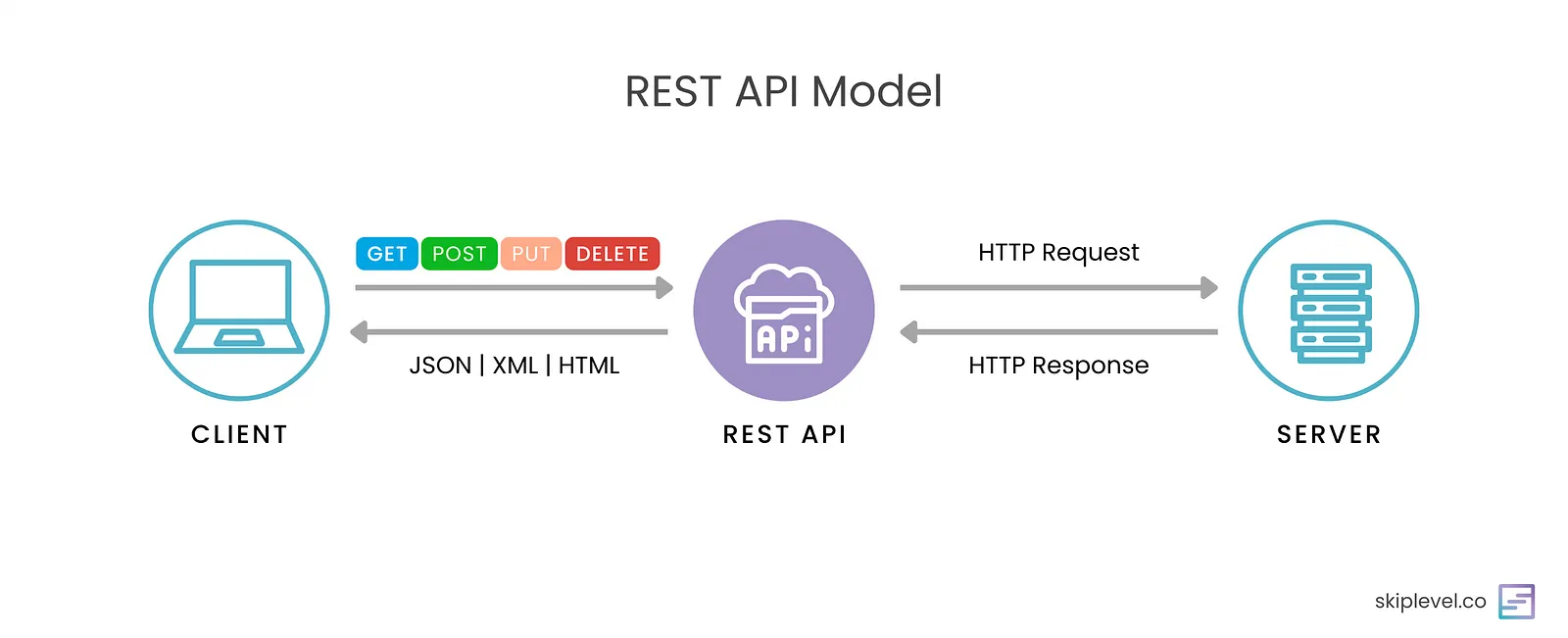
Once the core functionality was ready, the next challenge was making it a SaaS product. That means serving multiple clients (tenants) in a secure and isolated way — a concept known as multi-tenancy.
What is Multi-Tenancy?
Multi-tenancy defines how you segregate your customers’ data in a SaaS application. Data privacy and separation are critical, and there are several approaches to achieve this.
1️Shared Database
All tenants share the same database and tables. Data is logically separated using a tenant_id field across tables. This approach is cost-effective but requires strong data access control to prevent leakage.
2️Separate Databases
Each tenant gets their own database instance. This is the most secure approach but can become costly and hard to maintain as the number of clients grows.
3️Schema Separation
This is the method I implemented. Each tenant has a dedicated schema inside the same database. The public schema holds the tenants table, which maps tenants to subdomains. When a request arrives, the system identifies the subdomain, finds the tenant, and dynamically switches the search path to the tenant’s schema.
Schema-based multi-tenancy with PostgreSQL
Implementation Steps
- Add a Tenant Model — Create a new
Tenantmodel in thepublicschema to store tenant details like name and subdomain. - CRUD for Tenants — Add API endpoints to create and manage tenants. When a tenant is created, a new schema is generated with the tenant’s subdomain name.
- Auto Migrate Tables — Automatically run migrations (like
UserandBlogtables) inside the new tenant schema using GORM’sAutoMigratefeature. - Tenant Middleware — Build middleware to detect the tenant’s subdomain, fetch tenant info from the
public.tenantstable, and set the PostgreSQLsearch_pathto the tenant’s schema dynamically.
// models/tenant.go
type Tenant struct {
  ID        uint   `gorm:"primaryKey"`
  Name      string `gorm:"unique"`
  Subdomain string `gorm:"unique"`
  CreatedAt time.Time
}
// tenant creation snippet
func CreateTenant(c *gin.Context) {
  var tenant models.Tenant
  if err := c.ShouldBindJSON(&tenant); err != nil {
    c.JSON(http.StatusBadRequest, gin.H{"error": err.Error()})
    return
  }

  if err := config.DB.Create(&tenant).Error; err != nil {
    c.JSON(http.StatusInternalServerError, gin.H{"error": "Failed to create tenant"})
    return
  }

  schemaName := tenant.Subdomain + "_schema"
  config.DB.Exec("CREATE SCHEMA IF NOT EXISTS " + schemaName)
  c.JSON(http.StatusOK, gin.H{"message": "Tenant created and schema initialized"})
}
// schema migration
func MigrateTenantSchema(schema string) {
  db := config.DB.Session(&gorm.Session{FullSaveAssociations: true})
  db.Exec("SET search_path TO " + schema)
  db.AutoMigrate(&models.User{}, &models.Blog{})
}
// middleware/tenant.go
func TenantMiddleware() gin.HandlerFunc {
  return func(c *gin.Context) {
    host := c.Request.Host
    subdomain := strings.Split(host, ".")[0]

    var tenant models.Tenant
    if err := config.PublicDB.Where("subdomain = ?", subdomain).First(&tenant).Error; err != nil {
      c.JSON(http.StatusBadRequest, gin.H{"error": "Invalid tenant"})
      c.Abort()
      return
    }

    schema := tenant.Subdomain + "_schema"
    config.DB.Exec("SET search_path TO " + schema)
    c.Next()
  }
}
Testing the API
To validate all the endpoints, I used Postman. Each tenant can log in through their subdomain (e.g., example.yourdomain.com) and access isolated data. The collection of all endpoints will be shared soon.
Folder Structure
the-blogger/
├── main.go
├── config/
│   └── database.go
├── middleware/
│   └── tenant.go
├── models/
│   ├── tenant.go
│   ├── user.go
│   └── blog.go
├── routes/
│   ├── user_routes.go
│   ├── blog_routes.go
│   └── tenant_routes.go
└── utils/
    ├── jwt.go
    └── hash.go
Wrapping Up
With multi-tenancy in place, this application can now serve multiple clients independently, forming the backbone of a scalable SaaS product. The implementation here is just one of many possible approaches, but it offers a strong foundation for real-world SaaS architectures.
You can explore the complete source code on GitHub: https://github.com/dibyajitgoswamidg/the-blogger
Note: Multi-tenancy can be implemented in several ways — this blog demonstrates one such approach. As the application grows, you can enhance it with features like custom domains, metering, subscription billing, and tenant-level caching.
Stay tuned — I’ll soon share the Postman collection, code snippets, and some performance benchmarks for this setup.